
Microsoft Copilot
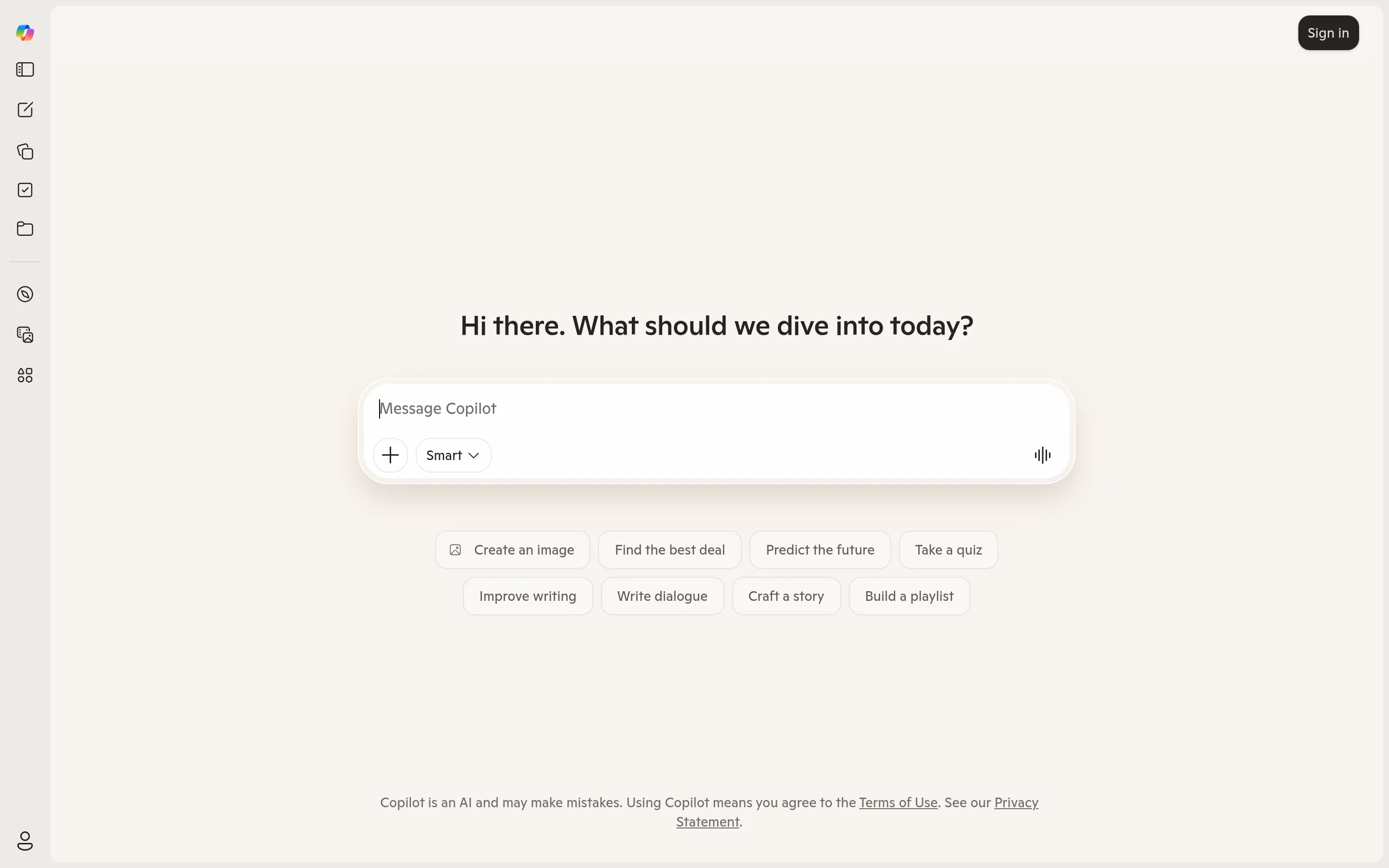
Microsoft Copilot is an AI assistant built on GPT-4o and woven into nearly every surface of the Microsoft ecosystem.
This is an affiliate link. We may earn a commission at no extra cost to you.
About Microsoft Copilot
Microsoft Copilot is an AI assistant built on GPT-4o and woven into nearly every surface of the Microsoft ecosystem. It lives in Windows, Edge, the web, mobile apps, and — on paid plans — inside Word, Excel, PowerPoint, Outlook, and Teams. If your work already runs on Microsoft 365, Copilot is the AI that comes to you rather than requiring you to go somewhere else. The free version is genuinely capable. It runs on GPT-4o, includes web search integration, and doesn't throttle aggressively. For general questions, drafting, and research, it holds up well without spending anything. Image generation through DALL-E 3 is also available at no cost via the Designer feature, with a daily generation limit. Where Copilot earns its reputation is in Microsoft 365 app integration. In Teams, it can summarize long meeting recordings into decisions and action items — a feature that saves real time for anyone sitting through back-to-back calls. In Outlook, it drafts replies and surfaces the key points from cluttered threads. In Word, it can summarize lengthy documents or generate first drafts. In Excel, it writes and explains formulas, which for non-technical users translates to a meaningful daily time saving. The integration is context-aware: Copilot in Excel understands the actual content of your spreadsheet, not just generic spreadsheet questions. A few friction points are worth knowing upfront. Excel integration only works on files saved to OneDrive with AutoSave enabled — local files get nothing, and this catches people off guard. Response times run slower than some competitors. And for pure writing quality, reasoning depth, or complex analytical tasks, both Claude and ChatGPT outperform Copilot Pro at similar or lower price points. The pricing structure adds up faster than it first appears. Copilot Pro is a per-user monthly subscription, but to use it inside Word, Excel, or PowerPoint you also need an active Microsoft 365 Personal or Family subscription — those are separate charges. The combined cost is noticeably higher than standalone AI subscriptions. Business plans scale from smaller teams up to enterprise, with per-seat annual pricing. For individuals or teams already committed to Microsoft 365, Copilot is the obvious choice — the integration depth is hard to replicate elsewhere. For users outside the Microsoft ecosystem, or those primarily looking for AI writing and reasoning assistance, other options likely deliver more per dollar.

Reviews
Be the first to review Microsoft Copilot.
Write a review
You might also like


Midjourney
The leading AI image generator producing stunning, artistic images from text prompts.

ChatGPT
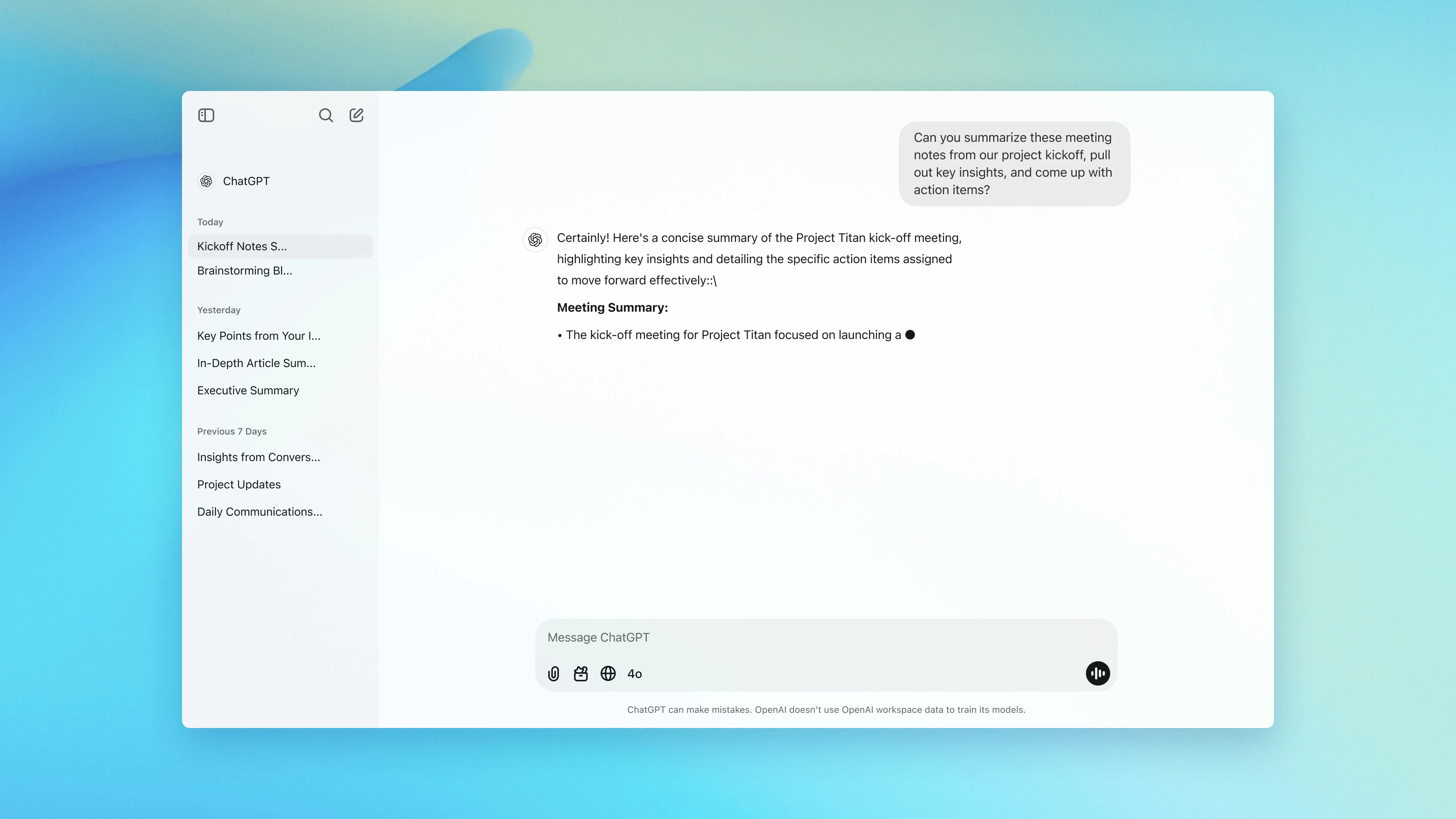
Advanced conversational AI by OpenAI for writing, coding, research and more.


GitHub Copilot
AI pair programmer that suggests code and entire functions in real time.

Claude
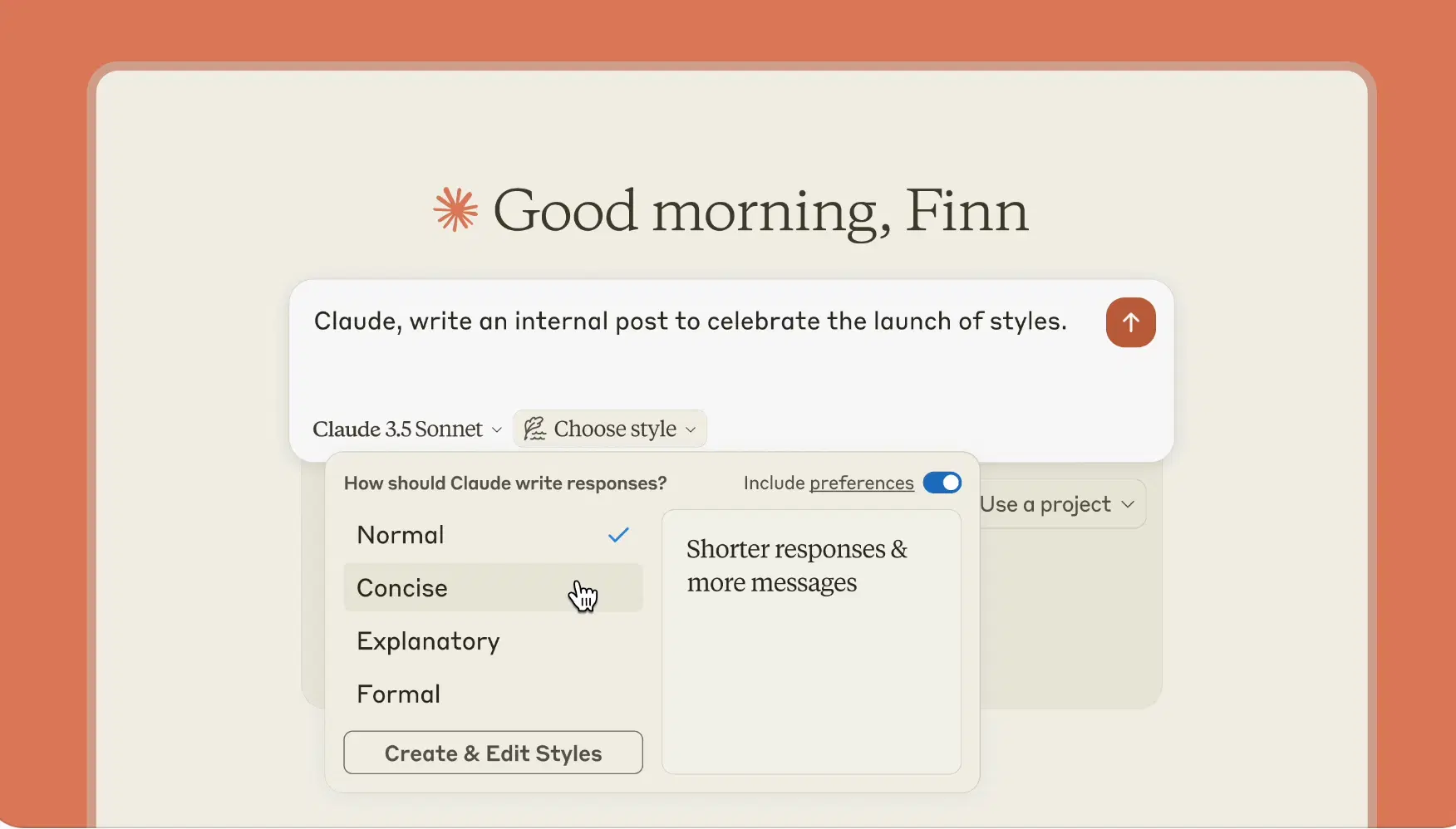
Anthropic's helpful, harmless and honest AI assistant.